Rick's Daily Tips

Your daily dose of practical, easy to follow tech tips!

  • Home
  • Rick’s Bio
  • Advertise
  • Privacy Policy
  • Rick’s Tip Jar
  • Get My Tech Tips Newsletter
  • Recommended Tech Gear
  • Contact Me

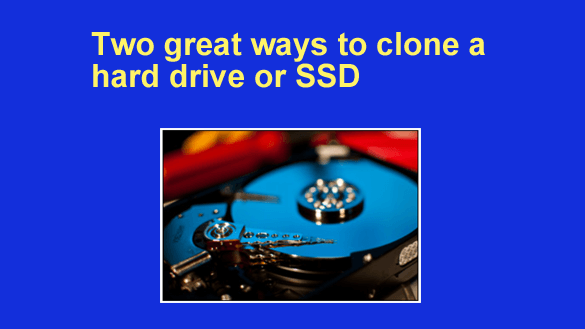
Two great ways to clone a hard drive or SSD

Posted on January 15, 2024

Many of the questions I receive at RicksDailyTips deal with replacing hard drives and SSDs.

After all, drives go bad and they have to be replaced, and folks are always wanting to upgrade their drives to something larger and faster.

I guess that’s why one of my most frequently asked questions is “How do I clone a hard drive (or SSD)?”

Well, today I’m going to answer that question by briefly describing two drive cloning methods that I’ve written about in the past.

Those two methods range from “inexpensive, and slightly complicated” to “just slightly more expensive, but dead-simple“:   [Read more…]

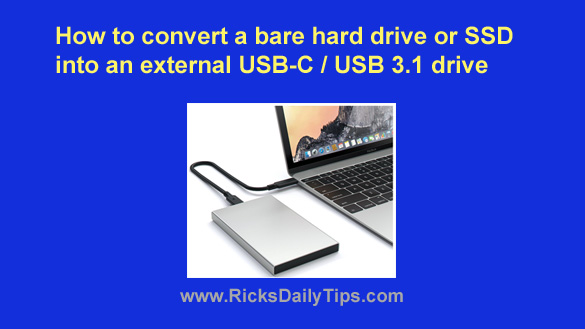
How to convert a bare hard drive or SSD into an external USB-C 3.1 drive

Posted on November 16, 2023

Note: The links in this post are affiliate links.
A while back I wrote this post that explains how to convert an unused internal hard drive into an external USB 3.0 drive.

That has turned out to be one of the most popular posts I have ever written, but a lot has changed since then.

[Read more…]

Need a 100TB SSD? Here you go.

Posted on July 27, 2023

Note: The links in this post are affiliate links.

A while back I wrote a post explaining how you can put your computer on steroids by replacing its hard drive with a solid state drive (SSD).

Until fairly recently upgrading to an SSD would have cost you dearly if you wanted to keep (or even increase) your system’s current amount of storage space.

Well, that changed a while back when the prices of 2TB SSDs dropped like a rock.

[Read more…]

Q&A: Should I shut a laptop with an SSD down before moving it?

Posted on July 16, 2023

Question from Jim:  I took your advice and upgraded my laptop with an SSD and the increase in performance is truly amazing.

My question is since the hard drive is now solid state how critical is it that the laptop be totally shut down before moving or transporting it?  [Read more…]

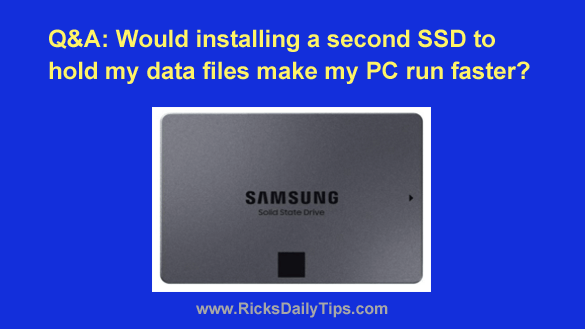
Q&A: Should I install an SSD in my PC as a second drive?

Posted on July 6, 2023

Note: The links in this post are affiliate links.

Question from Eric S.: I’m seriously considering taking your advice about installing an SSD in my Lenovo desktop PC just to install my programs on.

I mostly just use Photoshop and Lightroom along with a couple of web browsers.

I’m not really interested in making the SSD the boot drive by installing Windows on it because I don’t feel confident in my ability to get it done correctly.

My question: Is it worth adding an SSD as a second drive just to make my programs load faster?  [Read more…]

  • « Previous Page
  • 1
  • …
  • 3
  • 4
  • 5
  • 6
  • 7
  • …
  • 17
  • Next Page »

– Ad –
 
Frameo 10.1″ Wood WiFi Digital Picture Frame w/ 32GB Memory

Digital picture frames are awesome because they let you display thousands of precious photos in a never-ending slideshow.

If you’re looking for a really good one but you don’t want to pay a small fortune for it, this is an excellent choice.

Click here to check it out at Amazon.


Popular…

Miss one of my Daily Gadget Picks? Check here.

How do I ask you a tech question?

Step-by-step guide to completely ridding your PC of viruses and other malware

10 reasons why I recommend buying tech gear from Amazon

How to accurately evaluate product reviews on Amazon


Advertise

Guest Post Guidelines

Want to ask me a tech question?

Recommended Tech Gear

Privacy Policy

Computer Tips
Smartphone Tips
Blogging Tips

Tech Q & A
Reviews
Tech News

Write for RicksDailyTips.com

Scam alerts
Downloads

Copyright © 2026 RicksDailyTips.com

Affiliate Disclaimer


Rick's Daily Tips is hosted by InMotion Hosting. Click here to find out why.

This blog uses cookies to ensure that you receive the best experience on my website. Please click 'Accept Cookies' to continue.