Rick's Daily Tips

Your daily dose of practical, easy to follow tech tips!

  • Home
  • Rick’s Bio
  • Advertise
  • Privacy Policy
  • Rick’s Tip Jar
  • Get My Tech Tips Newsletter
  • Recommended Tech Gear
  • Contact Me

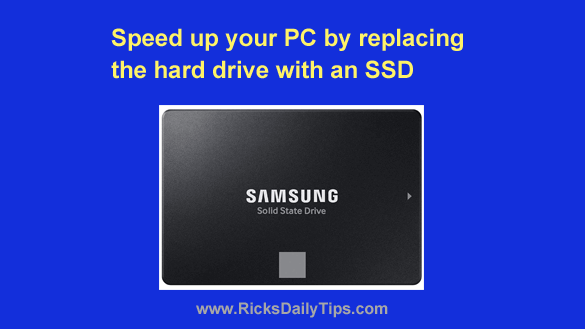
Speed up your PC by replacing the hard drive with an SSD

Posted on July 1, 2023

Note: The links in this post are affiliate links.

In a previous post I discussed how adding RAM to your PC would give you the biggest bang for the buck when upgrading your computer.

Adding RAM has always been one of the most cost effective ways to speed up a PC, and it still is.

Today I’m going to tell you about an equally amazing upgrade that could potentially speed up your computer and hurtle it right into the fast lane. [Read more…]
Q&A: Must Windows programs always be installed on the C: drive?

Posted on June 8, 2023

Question from Carita:  I’ve decided to take your advice about replacing the hard drive in my computer with an SSD.

I’ll be installing a 240GB SSD as the primary drive and leaving the 1TB hard drive installed in the computer as a secondary drive for extra storage.

The problem is I’m pretty sure the SSD will be too small to hold all the programs I currently use.

Will I be able to install some of them onto the hard drive even though the operating system (Windows 11) will be on the SSD?  [Read more…]

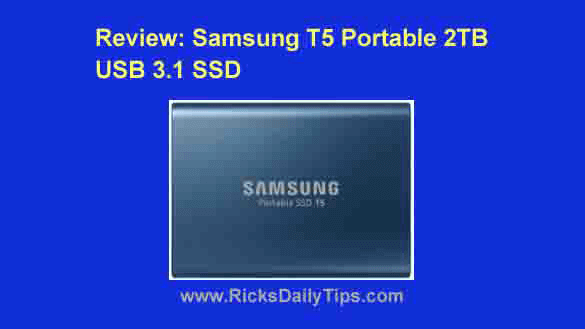
Review: Samsung T5 Portable 2TB USB 3.1 SSD

Posted on May 31, 2023

By now you probably know that adding a solid state drive (SSD) to most any computer will make it run a lot faster.

But did you know SSDs are now available as external USB drives?

An external USB 3.1 SSD basically offers the convenience of a USB flash drive along with the speed and storage capacity of an internal solid state drive!

I recently had the opportunity to check out the Samsung T5 Portable 2TB USB 3.1 SSD, and I immediately fell in love with it! [Read more…]

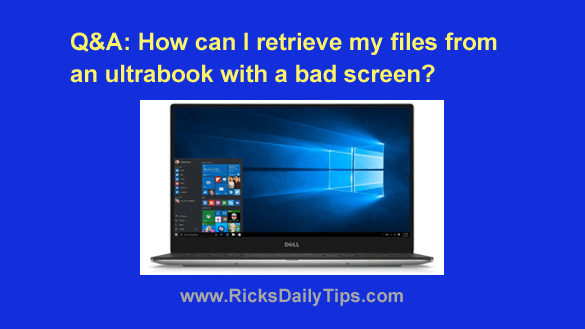
Q&A: How can I retrieve my files from a damaged ultrabook?

Posted on May 22, 2023

Note: The links in this post are affiliate links.

Question from Shruti:  Hi, Rick. I hope you’re doing well.

I have a Dell XPS 13 9370 Ultrabook. Everything was fine until this morning when my screen just turned grey-ish black.

I had dropped my laptop and slightly cracked the top right edge of the screen along with one of the hinges a few months back but everything seemed to still be working fine.

I don’t know why this suddenly happened.

I have important data on this machine so I’d like to know if there is any way to retrieve the data without fixing the screen?  [Read more…]

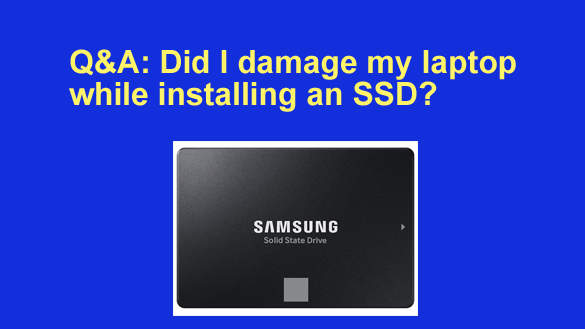
Q&A: Did I damage my laptop while installing an SSD?

Posted on April 20, 2023

Note: The links in this post are affiliate links.

Question from Shane: I recently found your blog, and I love it. Great job!

I took your advice and replaced the hard drive in my laptop with an SSD to make it run faster.

Everything seems to be working ok and the speed increase is incredible, but I’m worried that I might have possibly damaged something while I was swapping out the drives.  [Read more…]

  • « Previous Page
  • 1
  • …
  • 4
  • 5
  • 6
  • 7
  • 8
  • …
  • 17
  • Next Page »


Popular…

How do I ask you a tech question?

Step-by-step guide to completely ridding your PC of viruses and other malware

10 reasons why I recommend buying tech gear from Amazon

How to accurately evaluate product reviews on Amazon


Advertise

Guest Post Guidelines

Want to ask me a tech question?

Recommended Tech Gear

Privacy Policy

Computer Tips
Smartphone Tips
Blogging Tips

Tech Q & A
Reviews
Tech News

Write for RicksDailyTips.com

Scam alerts
Downloads

Copyright © 2025 RicksDailyTips.com

Affiliate Disclaimer


Rick's Daily Tips is hosted by InMotion Hosting. Click here to find out why.

This blog uses cookies to ensure that you receive the best experience on my website. Please click 'Accept Cookies' to continue.