Rick's Daily Tips

Your daily dose of practical, easy to follow tech tips!

  • Home
  • Rick’s Bio
  • Advertise
  • Privacy Policy
  • Rick’s Tip Jar
  • Get My Tech Tips Newsletter
  • Recommended Tech Gear
  • Contact Me

How to use an iPad as a second PC screen

Posted on October 16, 2023

iPads are known for their portability and versatility, serving not only as entertainment devices but also as valuable tools for professional tasks.

One of the significant advantages of using an iPad is the ability to employ it as a secondary monitor for a Windows computer, which can greatly enhance your productivity.

This feature allows you to extend your Windows desktop onto your iPad, giving you extra screen to manage your work efficiently.  [Read more…]
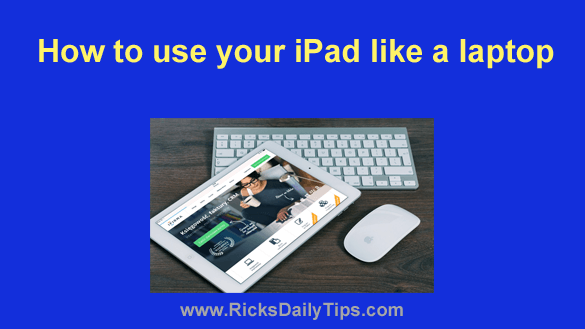
How to use your iPad as a laptop

Posted on September 11, 2023

Rick’s Tech Tips Newsletter

Note: The links in this post are affiliate links.

It’s no secret that Apple’s iPad line of tablets have amazing touch screens and quite functional virtual onscreen keyboards.

However, it’s also no secret that most people find it much easier to type using a full screen physical keyboard and “tapping” doesn’t give you the same level of control you can get with a mouse.

For most typical “tablet” tasks the iPad’s virtual keyboard and touch screen work just fine, but if you do a lot of typing and/or image manipulation you might be better off attaching a physical keyboard and mouse to your iPad so you can use it like a laptop.  [Read more…]

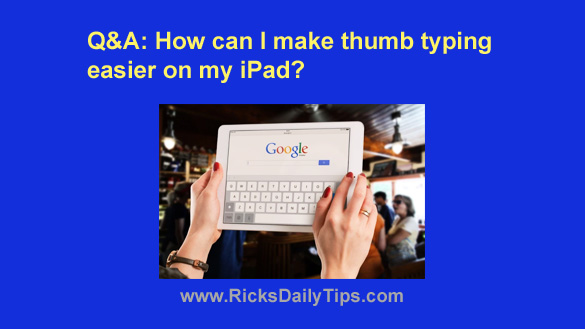
Q&A: How can I make thumb typing easier on my iPad?

Posted on March 8, 2023

Question from Pauline:  I have a question for you Rick.

I’ve been using a 7 inch Android tablet for my Facebooking but the battery recently went bad in it.

Instead of buying another Android tablet I decided to try an iPad. I ended up buying a 10.9 inch model which is a bit larger than what I was used to.

I didn’t know what to expect because I’d never owned anything from Apple before, but I found out that I really love it.

I’m having one problem though. I could hold the 7 inch tablet by its sides and type with my thumbs, but I can’t do that with the larger iPad because the keys are spread out too far.

Do you know if there’s a way to make it easier to type on my new iPad using my thumbs? Maybe by using an app, perhaps?  [Read more…]

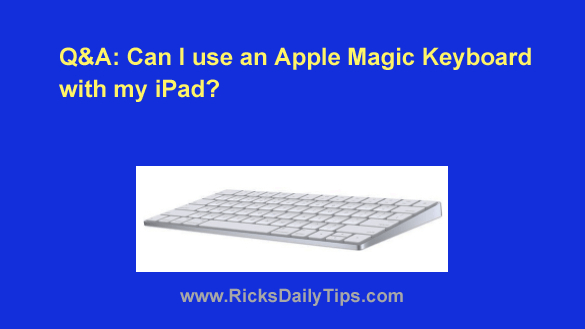
Q&A: Can I use an Apple Magic Keyboard with my iPad?

Posted on September 19, 2022

Note: The links in this post are affiliate links.

Question from Sylvia:  I’ve been wanting to get a full-size keyboard to use with my iPad.

The thing is I want a really good quality keyboard but I can’t afford to spend a lot on it.

I just found out that a co-worker of mine has an almost new Apple Magic Keyboard that she’s wanting to sell for $30.

My question is will that keyboard work with my iPad? [Read more…]

How to change the default search engine in Safari

Posted on July 1, 2022

Like other popular web browsers, Safari allows you to choose the default search engine you want to use when you search for something on the web with your Apple device.

Safari comes pre-configured with Google set as its default search engine, but you can easily change that to Bing, DuckDuckGo or one of several other popular search engines if you choose to do so.  [Read more…]

  • « Previous Page
  • 1
  • 2
  • 3
  • 4
  • …
  • 6
  • Next Page »


Popular…

How do I ask you a tech question?

Step-by-step guide to completely ridding your PC of viruses and other malware

10 reasons why I recommend buying tech gear from Amazon

How to accurately evaluate product reviews on Amazon


Advertise

Guest Post Guidelines

Want to ask me a tech question?

Recommended Tech Gear

Privacy Policy

Computer Tips
Smartphone Tips
Blogging Tips

Tech Q & A
Reviews
Tech News

Write for RicksDailyTips.com

Scam alerts
Downloads

Copyright © 2025 RicksDailyTips.com

Affiliate Disclaimer


Rick's Daily Tips is hosted by InMotion Hosting. Click here to find out why.

This blog uses cookies to ensure that you receive the best experience on my website. Please click 'Accept Cookies' to continue.