Rick's Daily Tips

Your daily dose of practical, easy to follow tech tips!

  • Home
  • Rick’s Bio
  • Advertise
  • Privacy Policy
  • Rick’s Tip Jar
  • Get My Tech Tips Newsletter
  • Recommended Tech Gear
  • Contact Me

Q&A: Can you recommend a cheap motherboard for my HP computer?

Posted on August 20, 2023

Question from Trevor:  The integrated sound has gone out on my ancient, but beloved HP Pavilion Slimline s5680d PC’s motherboard (model # MSI MS-7613).

Can you recommend a cheap replacement motherboard that’ll fit inside this computer’s case and work with its power supply?  [Read more…]

Q&A: How do I securely wipe an external hard drive with my MacBook?

Posted on August 19, 2023

Question from Don:  I have a 2TB external hard drive that I’ve used to back up my MacBook for a while. I just bought a 6TB drive to replace it.

I want to give the old drive to my nephew because he needs one and he can’t really afford to buy one.

How can I securely wipe that drive to make sure it’s completely empty before I give it to him? [Read more…]
Q&A: Why won’t my PC boot from a hard drive from another PC?

Posted on August 19, 2023

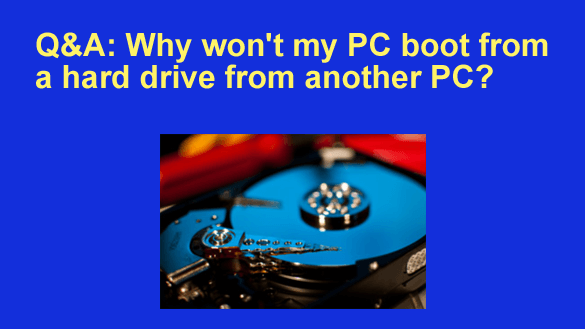
Question from Travis:  I have an HP desktop computer that got fried by lightning.

I also have an old Dell desktop that had a bad hard drive. Both PCs ran Windows 10.

My cousin connected the hard drive from the HP to his computer and it seemed to work fine, so I replaced the bad hard drive in my Dell with the one from the dead HP.

But now after switching the drives, when I turn the computer on Windows won’t boot up. All it does is display a blue screen with an error message on it.

What do I need to do to fix this?  [Read more…]

Q&A: Is my computer’s hard drive going bad?

Posted on August 11, 2023

Note: The links in this post are affiliate links.
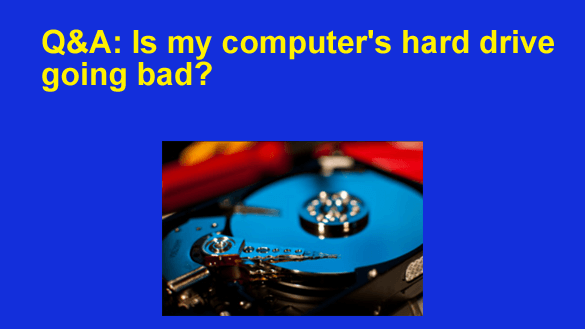
Question from Brad: I have a really old Dell Optiplex 745 desktop computer that I absolutely love.

This machine has an 80 Gig hard drive and it’s recently started giving me problems.

These past few days when I turn on the PC the hard drive makes clicking sounds for about 5-10 seconds, then it finally starts booting up.

I know it’s the hard drive that’s doing the clicking because I removed the cover and listened to it.  [Read more…]

Q&A: Is the fan in my laptop going bad?

Posted on August 8, 2023

Note: The links in this post are affiliate links.
Question from Erica: I have a question about the cooling fan in my Dell laptop.

When I’m using the laptop I rarely hear the fan at all.

However, when my son is playing his games the fan speeds up for several seconds and then slows back down at random times.

It sounds really awful when it speeds up like that.

My question is do I need to have the fan replaced?  [Read more…]

  • « Previous Page
  • 1
  • …
  • 83
  • 84
  • 85
  • 86
  • 87
  • …
  • 259
  • Next Page »

– Ad –
Hiboost Cell Phone Signal Booster

Do you struggle to use your cell phone at home due to a weak signal? This high quality cell phone signal booster will fix that problem. Works with all major carriers.

Click here to check it out at Amazon.


Popular…

Miss one of my Daily Gadget Picks? Check here.

How do I ask you a tech question?

Step-by-step guide to completely ridding your PC of viruses and other malware

10 reasons why I recommend buying tech gear from Amazon

How to accurately evaluate product reviews on Amazon


Advertise

Guest Post Guidelines

Want to ask me a tech question?

Recommended Tech Gear

Privacy Policy

Computer Tips
Smartphone Tips
Blogging Tips

Tech Q & A
Reviews
Tech News

Write for RicksDailyTips.com

Scam alerts
Downloads

Copyright © 2026 RicksDailyTips.com

Affiliate Disclaimer


Rick's Daily Tips is hosted by InMotion Hosting. Click here to find out why.

This blog uses cookies to ensure that you receive the best experience on my website. Please click 'Accept Cookies' to continue.