 Have you ever received calls or texts from someone that you’d rather not hear from? That’s a rhetorical question of course because we all have, and it can get old in a hurry when the annoying calls and/or texts just keep on coming in.
There are a number of ways to block numbers from calling or texting us on our smart phones, but if you have an iPhone running iOS 7 it’s very easy. And best of all, there are no apps to download or a bunch of hoops to jump through.
Here’s how to block a number on iOS 7: [Read more…]
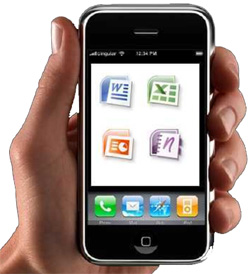 As one would expect, Windows phone users have been able to run Microsoft Office (Word, Excel, Outlook and PowerPoint) on their phones for some time now, but iPhone users who wanted to do the same were left out in the cold. But that has now changed.
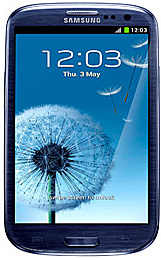 Korean electronics giant Samsung has quietly become the 800 pound gorilla in the smart phone marketplace.