Rick's Daily Tips

Your daily dose of practical, easy to follow tech tips!

  • Home
  • Rick’s Bio
  • Advertise
  • Privacy Policy
  • Rick’s Tip Jar
  • Get My Tech Tips Newsletter
  • Recommended Tech Gear
  • Contact Me

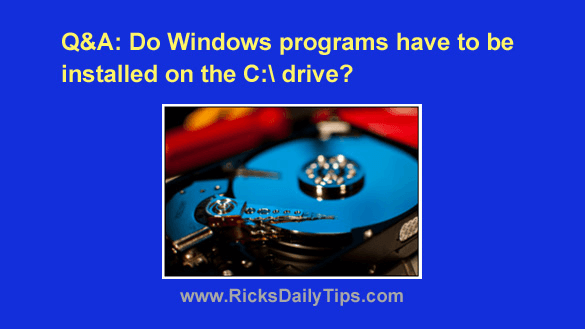
Q&A: Must Windows programs always be installed on the C: drive?

Posted on June 8, 2023

Question from Carita:  I’ve decided to take your advice about replacing the hard drive in my computer with an SSD.

I’ll be installing a 240GB SSD as the primary drive and leaving the 1TB hard drive installed in the computer as a secondary drive for extra storage.

The problem is I’m pretty sure the SSD will be too small to hold all the programs I currently use.

Will I be able to install some of them onto the hard drive even though the operating system (Windows 11) will be on the SSD?  [Read more…]
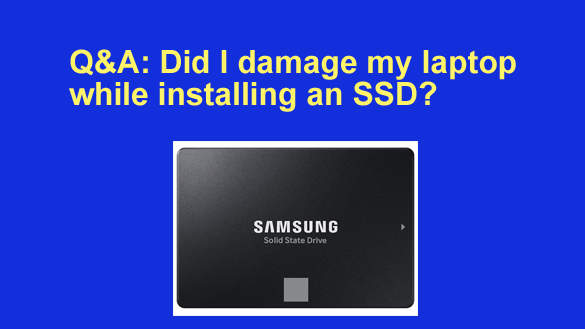
Q&A: Did I damage my laptop while installing an SSD?

Posted on April 20, 2023

Note: The links in this post are affiliate links.
Question from Shane: I recently found your blog, and I love it. Great job!

I took your advice and replaced the hard drive in my laptop with an SSD to make it run faster.

Everything seems to be working ok and the speed increase is incredible, but I’m worried that I might have possibly damaged something while I was swapping out the drives.  [Read more…]

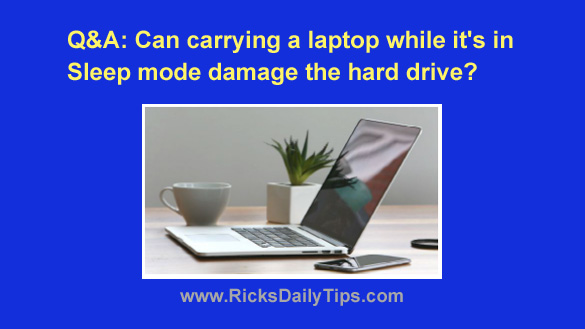
Q&A: Can carrying a sleeping laptop damage the hard drive?

Posted on April 15, 2023

Question from Larry:  I just bought my first laptop and I have a question about it.

When I close the lid it goes into Sleep mode. Is it safe to carry it around while in Sleep mode or should I shut it down completely?

I’ve always been told never to move a computer that’s powered up or it’ll damage the hard drive, and a sleeping laptop still has power, right?

As you can see I’m confused LOL. Looking forward to your answer.

Rick’s answer:   [Read more…]

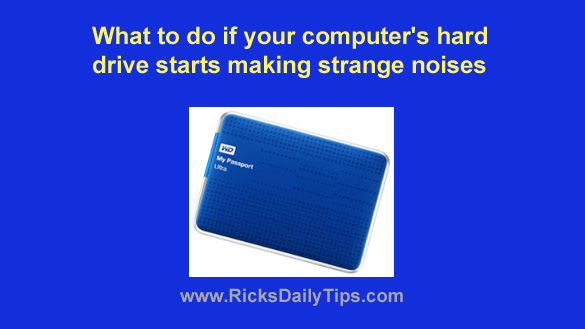
What to do if your computer’s hard drive starts making strange noises

Posted on April 10, 2023

Note: The links in this post are affiliate links.

Even though solid state drives (SSDs) are beginning to replace spinning hard drives in the marketplace, the majority of computers in use today still use a hard drive for long-term data storage.

Unfortunately, most hard drives will eventually fail, and when they do their owners often lose any irreplaceable data that’s stored on them because they didn’t have a current backup on hand.
[Read more…]

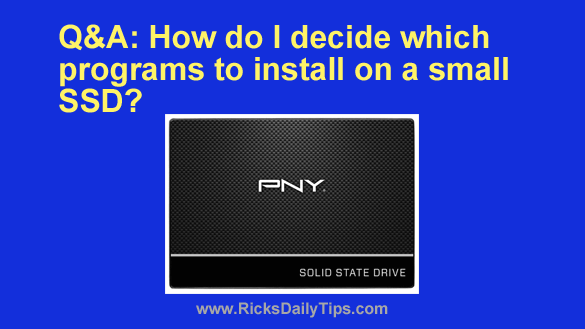
Q&A: How do I decide which programs to install on a small SSD?

Posted on December 25, 2021

Question from Larry:  I read your post explaining the advantages of installing an SSD a while back and I’ve wanted one ever since to go in my HP desktop PC.

I ended up buying a 120GB SSD (I got it for $20!) and installed it as the boot drive in my HP desktop computer. I left the 750GB hard drive in there for extra storage.

I installed Windows 10 from scratch on the SSD and now I’m ready to install my programs. The thing is with only 120GB of space on the SSD it won’t hold anywhere near all of my programs.

I have a couple of questions for you:

1 – Which programs should I install on the SSD and which ones should I leave on the hard drive?

2 – Should I leave the original Windows 10 files on the hard drive or is it safe to delete them to free up that space?

Thanks in advance for your help.

Rick’s answer:  [Read more…]

  • « Previous Page
  • 1
  • …
  • 3
  • 4
  • 5
  • 6
  • 7
  • …
  • 9
  • Next Page »

– Ad –
Malwarebytes Standard, Premium Security
1 Year / 5 Devices

I’m often asked which antivirus app is the best you can get and my answer is always the same. Malwarebytes Premium provides excellent real-time protection against viruses plus other forms of malware that other antivirus apps don’t even check for.

Click here to check it out at Amazon.


Popular…

Miss one of my Daily Gadget Picks? Check here.

How do I ask you a tech question?

Step-by-step guide to completely ridding your PC of viruses and other malware

10 reasons why I recommend buying tech gear from Amazon

How to accurately evaluate product reviews on Amazon


Advertise

Guest Post Guidelines

Want to ask me a tech question?

Recommended Tech Gear

Privacy Policy

Computer Tips
Smartphone Tips
Blogging Tips

Tech Q & A
Reviews
Tech News

Write for RicksDailyTips.com

Scam alerts
Downloads

Copyright © 2026 RicksDailyTips.com

Affiliate Disclaimer


Rick's Daily Tips is hosted by InMotion Hosting. Click here to find out why.

This blog uses cookies to ensure that you receive the best experience on my website. Please click 'Accept Cookies' to continue.