Rick's Daily Tips

Your daily dose of practical, easy to follow tech tips!

  • Home
  • Rick’s Bio
  • Advertise
  • Privacy Policy
  • Rick’s Tip Jar
  • Get My Tech Tips Newsletter
  • Recommended Tech Gear
  • Contact Me

Search Results for: create system image

Is your PC infected with a Rootkit virus? Here’s how to find out.

Posted on October 1, 2020

As you probably know, modern day malware comes in many forms.

Some varieties, such as adware, are often merely annoying.

But more malicious forms of malware can actually wreck your Windows installation and help hackers steal your identity and/or your valuable financial information.

A high-quality anti-virus program such as Avast can help keep your computer free of malware, but a special class of malware known as rootkits often goes undetected by regular virus scans.

Rootkits load into your computer’s memory before Windows even boots up, and that makes them especially difficult to find. [Read more…]
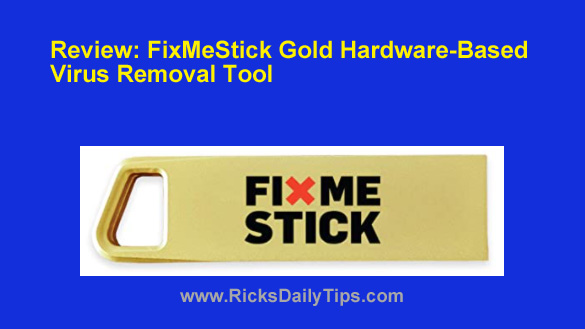
Review: FixMeStick Gold (hardware-based malware removal tool)

Posted on September 28, 2020

Note: The links in this post are affiliate links.

Viruses, trojans and other malware infections are spreading like wildfire these days.

And as you probably know, all of those nasties can allow identity thieves and scammers to steal your info without you even knowing about it.

There are a number of excellent anti-malware programs out there that can rid your computer of most of these exploits, but some infections are so insidious that they won’t even allow Windows to boot up.

And even when Windows somehow manages to boot up, the malware that has taken control of your computer will often prevent your anti-virus program from loading into memory or running correctly.  [Read more…]

Warning: Check for the dangerous LokiBot malware ASAP!

Posted on September 25, 2020

Unfortunately, viruses and other nasty forms of malware are constant threats in today’s Internet-connected world.
If your computer is connected to the web, you can safely assume that it’s being bombarded with attacks at all times.

Luckily, most modern antivirus programs are pretty effective at keeping most of the nasties off your system, but every once in a while something malicious will slip through their defenses.

The latest malware to hit the scene is called LokiBot, and it’s one of the most dangerous keyloggers ever.

[Read more…]

Q&A: Can a laptop really have both an SSD and a hard drive?

Posted on September 6, 2020

Note: The links in this post are affiliate links.

Question from Bryan P.:  Hi Rick. I found your blog while Googling the answer to a question I have about laptops.

I couldn’t find a clear, straight-forward answer so I hope you can answer it for me.

I’ve been looking online for a new gaming laptop because the one I had (and loved) got stolen a few days ago.

It’s been several years since I’ve shopped for a new computer and I’m seeing something that’s confusing me.

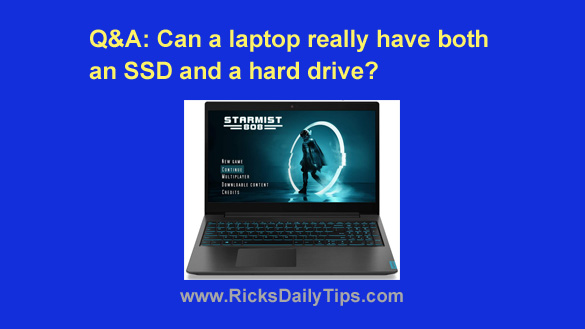
I really like this laptop that I found on Amazon. The sales page says it has both a 256 GB SSD and a 1TB hard drive.

Could that really be true? I thought laptops only came with one drive since they’re so cramped for space.

Rick’s answer:   [Read more…]

How to bypass the Logon screen and boot straight to the Desktop in Windows 10

Posted on August 23, 2020

By default, Windows 10 displays a Logon Screen requesting that you enter a password before it will finish booting up into Windows, and it will display this screen even if you haven’t created a password for your user account.

Dealing with the Logon Screen can be an unnecessary annoyance if you know you are the only person that will ever have access to your computer.

Luckily, Microsoft made it fairly easy to configure Windows 10 to skip the Logon Screen and have the machine boot straight to the Desktop. Here’s how:  [Read more…]

  • « Previous Page
  • 1
  • …
  • 62
  • 63
  • 64
  • 65
  • 66
  • …
  • 86
  • Next Page »

– Ad –
Sabrent USB 3.0 to SATA Hard Drive Docking Station

Do you have a bare SATA hard drive or SSD that was removed from a non-working PC? If so, you can place that drive in this enclosure and use it an as external USB drive.

This is a great way to access your precious photos and other files that were saved on the old PC.

Click here to check it out at Amazon.


Popular…

Miss one of my Daily Gadget Picks? Check here.

How do I ask you a tech question?

Step-by-step guide to completely ridding your PC of viruses and other malware

10 reasons why I recommend buying tech gear from Amazon

How to accurately evaluate product reviews on Amazon


Advertise

Guest Post Guidelines

Want to ask me a tech question?

Recommended Tech Gear

Privacy Policy

Computer Tips
Smartphone Tips
Blogging Tips

Tech Q & A
Reviews
Tech News

Write for RicksDailyTips.com

Scam alerts
Downloads

Copyright © 2026 RicksDailyTips.com

Affiliate Disclaimer


Rick's Daily Tips is hosted by InMotion Hosting. Click here to find out why.

This blog uses cookies to ensure that you receive the best experience on my website. Please click 'Accept Cookies' to continue.