Rick's Daily Tips

Your daily dose of practical, easy to follow tech tips!

  • Home
  • Rick’s Bio
  • Advertise
  • Privacy Policy
  • Rick’s Tip Jar
  • Get My Tech Tips Newsletter
  • Recommended Tech Gear
  • Contact Me

Q&A: Must Windows programs always be installed on the C: drive?

Posted on June 8, 2023

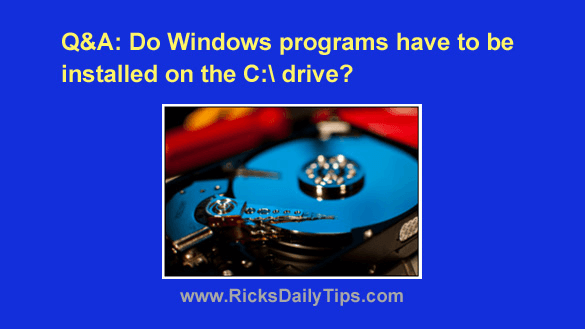
Question from Carita:  I’ve decided to take your advice about replacing the hard drive in my computer with an SSD.

I’ll be installing a 240GB SSD as the primary drive and leaving the 1TB hard drive installed in the computer as a secondary drive for extra storage.

The problem is I’m pretty sure the SSD will be too small to hold all the programs I currently use.

Will I be able to install some of them onto the hard drive even though the operating system (Windows 11) will be on the SSD?  [Read more…]
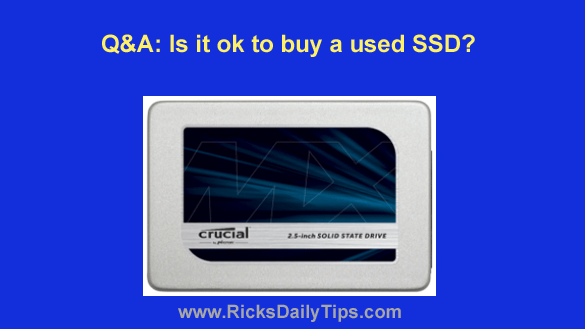
Q&A: Is it ok to buy a used SSD?

Posted on February 21, 2023

Note: The links in this post are affiliate links.

Question from Stephen:  I’ve been wanting to buy an SSD for my laptop for a while now, but the high prices for SSDs have been holding me back.

I was checking on eBay last night and saw where a guy is selling used Crucial MX500 512GB 2.5″ SSDs for just $40 each.

What’s your opinion on used solid state drives? Do you think I should buy one?  [Read more…]

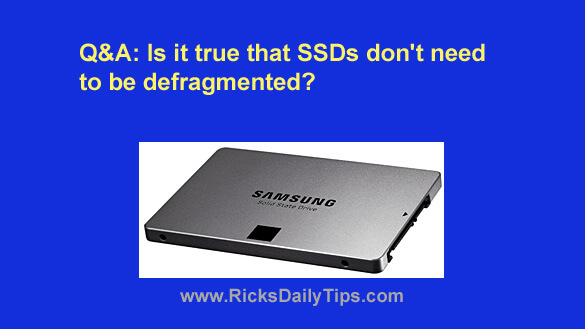
Q&A: Do SSDs need to be defragmented?

Posted on September 30, 2022

Question from Roger:  Rick, I followed your advice and replaced the hard drive in my laptop with a solid state drive (SSD).

I’m absolutely blown away by how much faster the laptop boots up and how much faster my programs load.

I do have one question though. I read in another forum that SSDs don’t get fragmented and they never need to be defragged. Is that true?

Rick’s answer:   [Read more…]

Q&A: Will a new SSD work in an older computer?

Posted on August 7, 2021

Rick’s Tech Tips Newsletter

Note: The links in this post are affiliate links.

Question from Richard:  Hi, Rick. I hope you can answer a question for me.

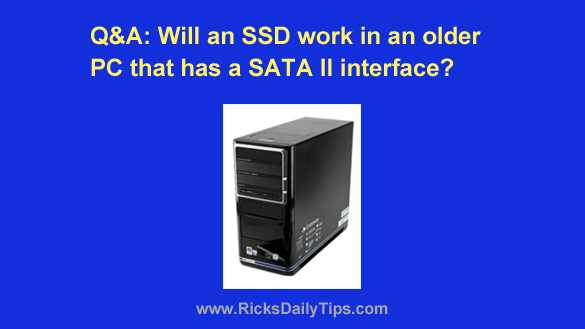
I have an older Gateway desktop PC running Ubuntu Linux. The hard drive died and I want to replace it with a solid state drive (SSD).

My cousin is offering to sell me an unused 1TB SSD for about half what I’d have to pay for a new one. He bought it a while back but he no longer needs it because the computer he was going to put it in died.

My question is will this drive work in my computer? I’m asking because the old hard drive had a SATA II interface and the SSD I’m thinking about buying is SATA III.  [Read more…]

Upgrade your PC to an SSD without skimping on storage space

Posted on March 7, 2021

Note: The links in this post are affiliate links.

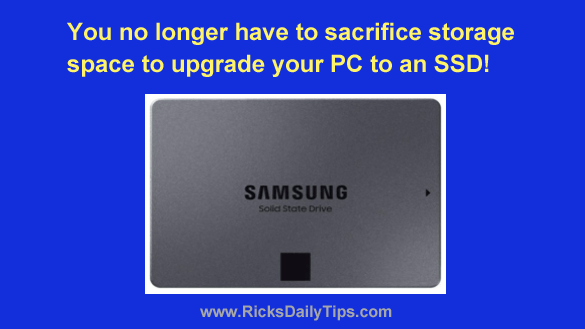
As you probably know by now, replacing the hard drive in your laptop with an SSD is an easy way to put your machine into overdrive.

Simply put, Solid State Drives are virtual speed demons when compared to even the fastest spinning hard drives.

But unfortunately, those wishing to make this awesome upgrade faced a problem…

Making the switch from a slow spinning hard drive to a speedy SSD meant giving up a ton of storage space.

Well, guess what? That problem has virtually disappeared.

[Read more…]

  • « Previous Page
  • 1
  • 2
  • 3
  • 4
  • 5
  • …
  • 8
  • Next Page »

– Ad –
 
Samsung Galaxy Tab A11+ Tablet


Looking for a really good Android tablet with a large 11 inch screen?

Click here to check out this gem from Samsung.


Popular…

Miss one of my Daily Gadget Picks? Check here.

How do I ask you a tech question?

Step-by-step guide to completely ridding your PC of viruses and other malware

10 reasons why I recommend buying tech gear from Amazon

How to accurately evaluate product reviews on Amazon


Advertise

Guest Post Guidelines

Want to ask me a tech question?

Recommended Tech Gear

Privacy Policy

Computer Tips
Smartphone Tips
Blogging Tips

Tech Q & A
Reviews
Tech News

Write for RicksDailyTips.com

Scam alerts
Downloads

Copyright © 2026 RicksDailyTips.com

Affiliate Disclaimer


Rick's Daily Tips is hosted by InMotion Hosting. Click here to find out why.

This blog uses cookies to ensure that you receive the best experience on my website. Please click 'Accept Cookies' to continue.