
Rick's Daily Tips

Your daily dose of practical, easy to follow tech tips!

  • Home
  • Rick’s Bio
  • Advertise
  • Privacy Policy
  • Rick’s Tip Jar
  • Get My Tech Tips Newsletter
  • Recommended Tech Gear
  • Contact Me

Get detailed information about your PC’s hardware with HWiNFO

Posted on July 11, 2023

There are several handy free utilities out there that will tell you what hardware is inside your PC.

One of the best I’ve ever used is HWiNFO.

Like Speccy, HWiNFO is a free program that provides tons of details about your system’s CPU, motherboard, memory and such.

But HWiNFO also provides a live snapshot of the CPU temperature and various system voltages, great information to have if you’re a computer tech or system builder.   [Read more…]
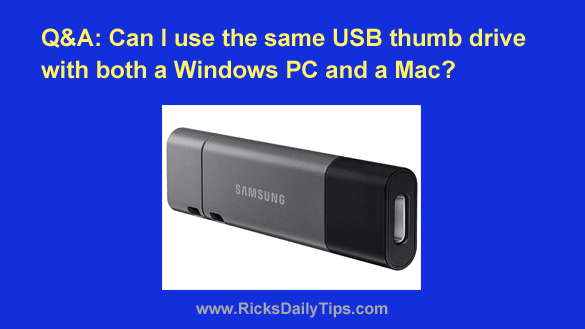
Q&A: Can you use the same USB thumb drive with both Windows PCs and Macs?

Posted on July 8, 2023

Note: The links in this post are affiliate links.
Question from Kerrie:  I have a MacBook Pro and don’t own a Windows computer.

If I copy files from my MacBook Pro onto a thumb drive will my sisters be able to copy those files from that same thumb drive onto their Windows PCs?

[Read more…]

How to clear the contents of the Windows Clipboard

Posted on July 3, 2023

As you probably know, Microsoft Windows has  a “Clipboard” for storing text, photos and other information that we “copy” or “cut” from a web page or other document to paste into yet another document.

Truth be told, the Clipboard is easily one of the handiest tools in all of Windows.

It’s always there waiting for us when we need it, and it will gladly store most anything we need to copy from one location and paste to another.

Most people don’t give a second thought to the security of the Clipboard. After all, we rarely have anything stored in there can could be considered a security risk.

However, there are times when it might be wise to erase the contents of the Clipboard. Here are a couple of common examples:  [Read more…]

Why you need a Battery Backup Device: A real-world example

Posted on July 2, 2023

Note: The links in this post are affiliate links.
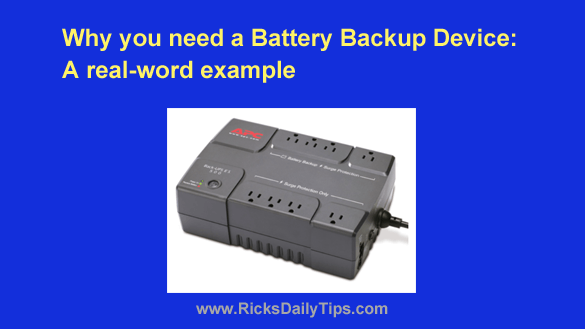
I receive dozens of emails every day from readers of this blog, most of them requesting assistance with computer problems or offering suggestions for posts on the blog.

I also receive quite a few messages offering feedback on one of my posts, and I always appreciate them.

I received a very nice message from a lady named Suzanne, and I’d like to share it with you:  [Read more…]

Speed up your PC by replacing the hard drive with an SSD

Posted on July 1, 2023

Note: The links in this post are affiliate links.

In a previous post I discussed how adding RAM to your PC would give you the biggest bang for the buck when upgrading your computer.

Adding RAM has always been one of the most cost effective ways to speed up a PC, and it still is.

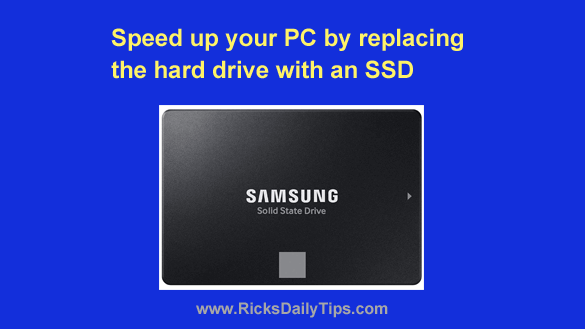
Today I’m going to tell you about an equally amazing upgrade that could potentially speed up your computer and hurtle it right into the fast lane. [Read more…]

  • « Previous Page
  • 1
  • …
  • 103
  • 104
  • 105
  • 106
  • 107
  • …
  • 233
  • Next Page »

– Ad –
Hiboost Cell Phone Signal Booster for Home or Office

Is the cellular signal in your home or office so weak you’re constantly struggling to place calls or use your phone’s Internet connection?

This gem will boost your weak cellular signal and blanket your entire home or office with a strong, stable signal. No more dropped calls or unusable Internet connections.

It covers up to 8,000 square feet and it works perfectly with all US cellular carriers, including yours.

Click here to check it out at Amazon.


Popular…

Miss one of my Daily Gadget Picks? Check here.

How to save money when shopping for a new computer.

How do I ask you a tech question?

Step-by-step guide to completely ridding your PC of viruses and other malware

10 reasons why I recommend buying tech gear from Amazon

How to accurately evaluate product reviews on Amazon


Advertise

Guest Post Guidelines

Want to ask me a tech question?

Recommended Tech Gear

Privacy Policy

Computer Tips
Smartphone Tips
Blogging Tips

Tech Q & A
Reviews
Tech News

Write for RicksDailyTips.com

Scam alerts
Downloads

Copyright © 2026 RicksDailyTips.com

Affiliate Disclaimer


Rick's Daily Tips is hosted by InMotion Hosting. Click here to find out why.

This blog uses cookies to ensure that you receive the best experience on my website. Please click 'Accept Cookies' to continue.