 Note: The links in this post are affiliate links.
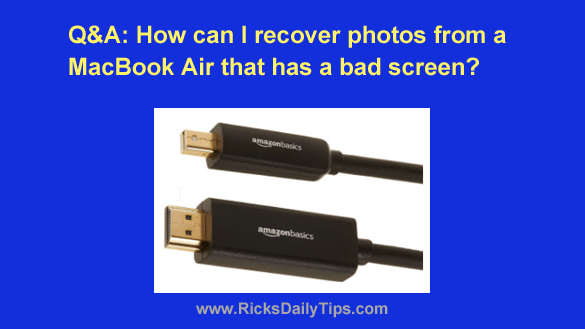
Question from Jan: Hi there. I have a 13 inch MacBook Air that I bought way back in 2014.
Can you help me with a problem I’m trying to solve with it? [Read more…]
Your daily dose of practical, easy to follow tech tips!
Note: The links in this post are affiliate links.
Question from Jan: Hi there. I have a 13 inch MacBook Air that I bought way back in 2014.
Can you help me with a problem I’m trying to solve with it? [Read more…]
 Question from Kandi: I bought my 9 year old son a new laptop for his birthday. He loves it and uses it every day.
The problem is I have already had to take it to the Geek Squad twice to fix issues he caused by changing some system settings.
I know that’s what he’s doing because I saw him using the Settings app.
Is there a way to disable the Settings app on his computer to prevent that from happening again? I really need to preserve my sanity! [Read more…]
 Have you ever had to reinstall Windows from scratch after replacing a bad hard drive, being hit with a severe malware attack or some other digital disaster?
If so, you probably remember having to type in your Windows Product Key so Microsoft could reactivate your Windows installation.
I have always considered having to re-enter the Product Key to reactivate a machine’s Windows installation to be an irritating waste of time. [Read more…]
 Note: The links in this post are affiliate links.
Buying a new computer
And if you don’t set it up correctly, you can open yourself up to having some real problems down the road.
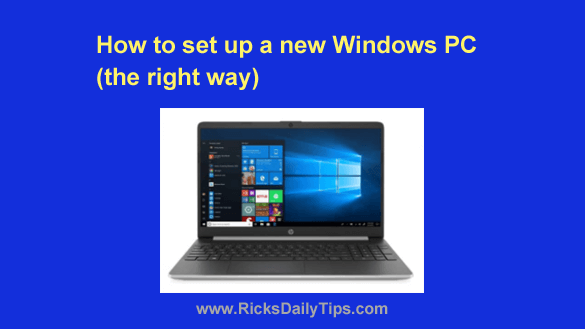
I’ve been setting up new PCs for close to three decades, and during that time I’ve developed a simple step-by-step procedure that’ll have you up and running with your new computer as quickly a possible while avoiding the mistakes that come back to haunt so many others. [Read more…]
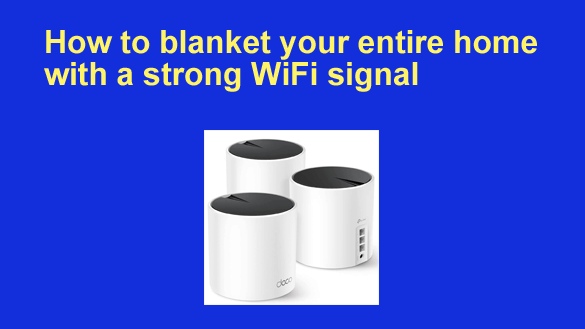 Note: The links in this post are affiliate links.
Most families these days have multiple gadgets that connect to the Internet via a WiFi connection.
Whether it’s a smart phone, a tablet, a laptop computer or even a smart TV, it’s probably pretty close to useless in the areas of your home where there isn’t a usable WiFi signal available.
If you have a large home, there are probably several rooms where you simply cannot get your devices to connect to your wireless router, especially if it’s an extra long or multi-story house.
Luckily, there are several things you can do to ensure that your family will be able to use their various devices most anywhere inside your home.