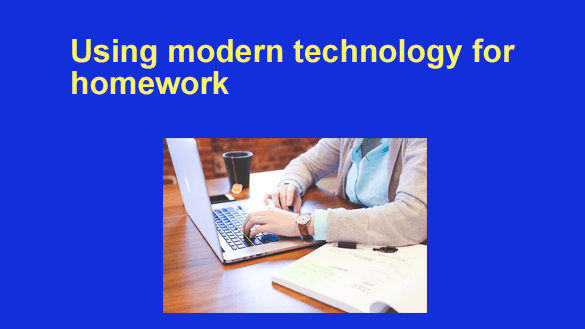
 Nothing is the same as it was twenty years ago because technology has changed every facet of our lives. Everything from raising children to finding a job or a date has been affected.
All people, including students, have benefited greatly from the transformations made possible by the information technology revolution. Schools were quick to embrace technological advancements because of the positive impact on teaching and learning. It has changed how schools interact with their communities and provide students with new resources for learning.
Here are just a few of the remarkable ways today’s technology enhances students’ ability to study: [Read more…]
 I don’t know about you, but I hate it when a video begins playing automatically just as soon as I load a web page into my browser.
 Note: The links in this post are affiliate links.
 You might have grown up with a screen next to your bed and a keyboard at your fingertips, but many older members of your family gained tech literacy much later in their lives.
 Question from Kenny L.: