 If you’ve been keeping up with me on Facebook for a while you’ve probably noticed that I never, ever post a “Check-In” on my Timeline.
And I never will.
If you’re wondering why, just ask yourself this simple question: [Read more…]
Your daily dose of practical, easy to follow tech tips!
If you’ve been keeping up with me on Facebook for a while you’ve probably noticed that I never, ever post a “Check-In” on my Timeline.
And I never will.
If you’re wondering why, just ask yourself this simple question: [Read more…]
 By now you’re probably familiar with how enabling ‘Dark Mode’ can make it more pleasant to use a device in a low-light environment.
If you frequently peruse Facebook in a darkened room I recommend that you go into the Facebook settings and switch ‘Dark Mode’ on and give it a try. I believe you just might like it. [Read more…]
 Question from Dharia: I recently bought my first Mac (actually, a MacBook) and I have a question about it.
I loved how I could open File Explorer in Windows by pressing the Windows and E keys at the same time.
Is there a way to use the keyboard to open the Finder on a Mac? [Read more…]
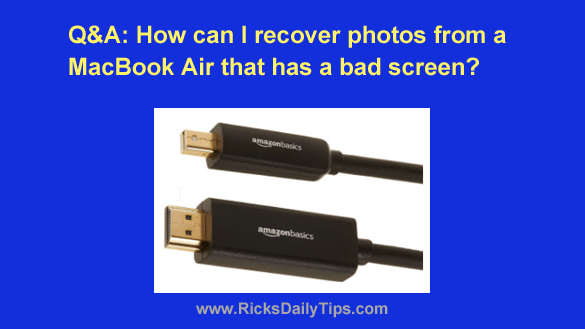 Note: The links in this post are affiliate links.
Question from Jan: Hi there. I have a 13 inch MacBook Air that I bought way back in 2014.
Can you help me with a problem I’m trying to solve with it? [Read more…]
 Have you ever tried to print a web page only to end up with a printed page that was difficult to read because of all the clutter?
Ads, header logos, photos and other types of “extra” content are usually quite acceptable when viewing a web page in your browser, but they can be a pain in the neck when you want to print the page.
Luckily, there’s a fantastic free service called Print Friendly that will let you quickly and easily print just the text (and optionally the photos) that appears on any web page. Here’s how to use it: [Read more…]