 Want to get my easy to follow Tech Tips in your email?
Sign up for my daily Rick’s Tech Tips Newsletter!
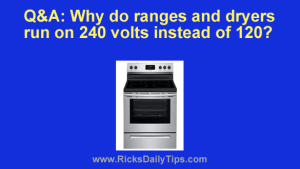
Question from Brenda: I’m having my house renovated and I’m in the process of ordering all new appliances.
The man at Home Depot said I’d have to pay extra for a special cord for both the electric range and the clothes dryer because they run on 240 volts instead of 120.
When I asked him why he said he didn’t know, but that’s just the way it is.
My question is, why do ranges and dryers use 240 volts when all the other appliances use 120 volts? [Read more…]
 Want to get my easy to follow Tech Tips in your email?
 Want to get my easy to follow Tech Tips in your email?