 If you’re a Sprint customer with an Android phone it’s a good bet that you sometimes find yourself in places where the Sprint signal is so weak that it’s unusable, yet just strong enough to prevent the phone from roaming, even when there is a strong roaming signal available. And if you’re like me, you don’t like it one bit.
In times past most Sprint phones had a setting that would allow you to force the phone into Roaming-Only mode in situations like the one above, but current models no longer have this feature. Why? Because Sprint doesn’t want to have to pay other carriers for allowing you to use their cell towers. Forcing their customers to remain on the Sprint network unless there is no Sprint signal available whatsoever saves the company a lot of money over the course of a month. [Read more…]
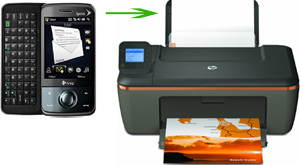 Many of us use our smart phones or tablets more than our computers these days, and while these gadgets sure are handy, printing from them often isn’t. But there are ways to do it, and most of them involve downloading an app.
 Do you hate getting calls from “Unknown Number” or texts from phone numbers you don’t recognize? Do you ever wish you could block a phone number from ever calling or texting you again? Well, you’re in luck if you have an Android based smart phone.
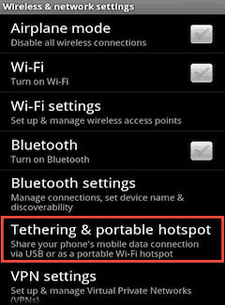 Wouldn’t it be nice to be able to use your laptop, tablet or other Wi-Fi enabled device at any place where there is a decent 3G or 4G signal available?