 Question from Phil: Your article on the Windows key prompts me to ask this question…
What’s the best way to add a ‘Windows key’ function to an older keyboard that doesn’t have that key on it?
Your daily dose of practical, easy to follow tech tips!
Question from Phil: Your article on the Windows key prompts me to ask this question…
What’s the best way to add a ‘Windows key’ function to an older keyboard that doesn’t have that key on it?
 Note: This is a guest post. If you want to guest post on this blog, click here to check out the guidelines.
Technology is becoming more ubiquitous in our lives every day.
We don’t have only intelligent devices today, but our homes are starting to become automated places.
The refrigerators, stoves, and ovens that connect to the internet aren’t the only additions that improve how we experience everyday life. Many elements also allow us to improve security in our homes.
Security is more important than ever in today’s world. Therefore, investing in home protection should be a must.
The effective use of common sense, technology, and good design can help us avoid accidents, prevent unwanted visits, and protect the ones we love the most.
Renovating and preserving your home doesn’t have to require the spending of millions of dollars. “Smart purchases” can go a long way towards obtaining greater comfort and security in your home. Here are a few suggestions:
 In our modern world, it’s crucial to be able to share files between devices seamlessly.
Android phones and Mac computers are both widely used, but their different operating systems can make transferring files a challenge.
Without a dedicated software solution, this can lead to problems like lost data, compatibility issues, and time-consuming workarounds.
Thankfully, there are reliable options available to make transferring files between Android and Mac easier and more efficient. [Read more…]
 There are several handy free utilities out there that will tell you what hardware is inside your PC.
One of the best I’ve ever used is HWiNFO.
Like Speccy, HWiNFO is a free program that provides tons of details about your system’s CPU, motherboard, memory and such.
But HWiNFO also provides a live snapshot of the CPU temperature and various system voltages, great information to have if you’re a computer tech or system builder. [Read more…]
 Note: The links in this post are affiliate links.
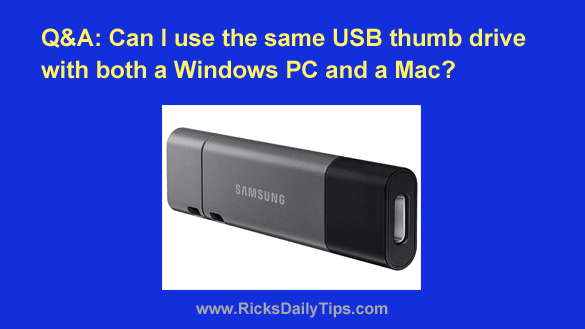
Question from Kerrie: I have a MacBook Pro and don’t own a Windows computer.
If I copy files from my MacBook Pro onto a thumb drive will my sisters be able to copy those files from that same thumb drive onto their Windows PCs?