Rick's Daily Tips

Your daily dose of practical, easy to follow tech tips!

  • Home
  • Rick’s Bio
  • Advertise
  • Privacy Policy
  • Rick’s Tip Jar
  • Get My Tech Tips Newsletter
  • Recommended Tech Gear
  • Contact Me

Q&A: Are Chromebooks safer than Windows laptops?

Posted on February 10, 2024

Note: The links in this post are affiliate links.
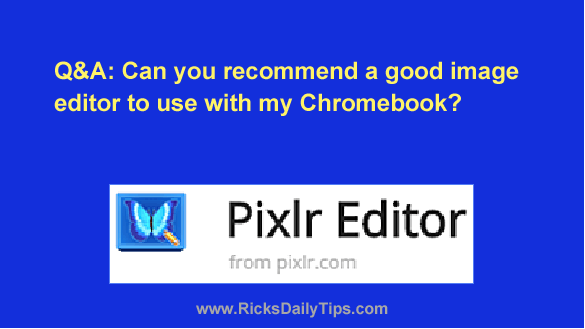
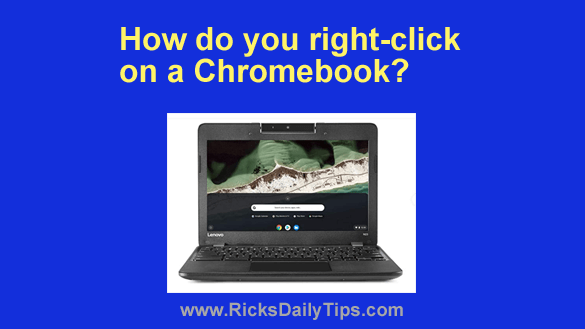
Question from Patsy: My friend just bought a Chromebook after the salesman at the computer store told her they are safer to use than Windows computers.

Among other things, he said it’s impossible for a Chromebook to catch a virus.

I’d just like to know if you agree with him because I’m needing to get a new laptop myself.

So, are Chromebooks really safer than Windows laptops?  [Read more…]

Q&A: Are Chromebooks good for watching YouTube videos?

Posted on January 2, 2024

Note: The links in this post are affiliate links.
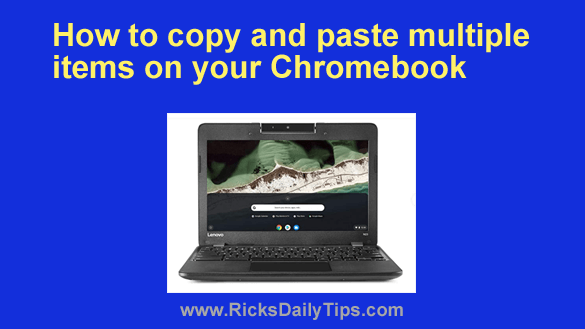
Question from Kyle:  I have a high-end MacBook Pro that I currently use for both work and pleasure.

The “pleasure” part consists almost exclusively of watching YouTube videos, and I watch a LOT of them.

I’d like to purchase a good, but cheap 2nd laptop just for watching YouTube, and I need some advice.

A friend recommended that I skip Windows this time and get a Chromebook instead. I’d love to have your opinion on that.  [Read more…]

Q&A: Can you recommend a good image editor for my Chromebook?

Posted on November 26, 2023

Question from Cathy:  My laptop died a few months ago and I decided to give a Chromebook a try. I ended up purchasing an Acer Chromebook and I really like it.

I’m having trouble with one issue however. It didn’t come with an image editor and I have a bunch of family pictures that I need to work on.

Can you recommend a good image editor (hopefully free) that will work with my Chromebook?  [Read more…]

Q&A: How do you right-click on a Chromebook?

Posted on October 10, 2023

Note: The links in this post are affiliate links.

Question from Amanda:  The screen stopped working on my 5 year old Windows laptop so I decided to give a Chromebook a try.

I really like it a lot but for the life of me I can’t figure out how to right-click on anything, and that’s pretty important.

I know it’s probably a simple thing to do, but how in the world do you right-click on a Chromebook? [Read more…]

How to copy and paste multiple items on a Chromebook

Posted on August 28, 2023

If you use a Chromebook you probably know that you can copy and paste items just like you can with a Windows PC or Mac.

But did you know you can also copy multiple items and then select the one you want to paste from a list?

As luck would have it, all Chromebooks come with a handy Clipboard Manager that stores the last five things you copied.  [Read more…]

  • « Previous Page
  • 1
  • 2
  • 3
  • 4
  • 5
  • Next Page »

(Advertisement)

Men’s Journal is a rugged and refined lifestyle adventure travel, food and drink.  Get in touch [email protected] to find out how we can help you reach everyday, affluent, and adventure seeking consumers on Men’s Journal.


Popular…

How do I ask you a tech question?

Step-by-step guide to completely ridding your PC of viruses and other malware

10 reasons why I recommend buying tech gear from Amazon

How to accurately evaluate product reviews on Amazon


Advertise

Guest Post Guidelines

Want to ask me a tech question?

Recommended Tech Gear

Privacy Policy

Computer Tips
Smartphone Tips
Blogging Tips

Tech Q & A
Reviews
Tech News

Write for RicksDailyTips.com

Scam alerts
Downloads

Copyright © 2025 RicksDailyTips.com

Affiliate Disclaimer


Rick's Daily Tips is hosted by InMotion Hosting. Click here to find out why.

This blog uses cookies to ensure that you receive the best experience on my website. Please click 'Accept Cookies' to continue.