 Note: The links in this post are affiliate links.
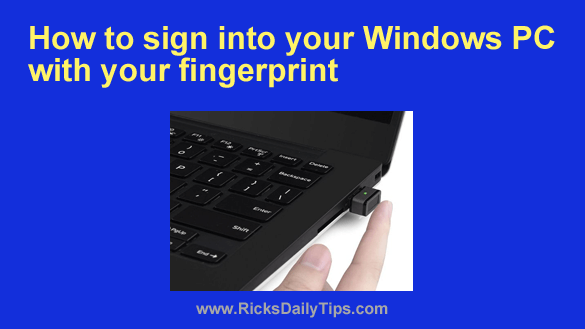
Did you know that Windows 10 and Windows 11 have a nifty sign-in assistant that will allow you to sign into your Windows account using your fingerprint?
Well, it does, and it works extremely well.
Your daily dose of practical, easy to follow tech tips!
Note: The links in this post are affiliate links.
Did you know that Windows 10 and Windows 11 have a nifty sign-in assistant that will allow you to sign into your Windows account using your fingerprint?
Well, it does, and it works extremely well.
 Have you recently updated your Mac to macOS Monterey only to have it start freezing up on you? If so, you know how frustrating it is.
Many reasons can lead to this problem, and the purpose of this post is to help you solve the issue.
Here are a few things you can do to avoid freeze-ups without wasting your time: [Read more…]
 Running a business has its ups and downs. Sometimes things are good and other times, not so much.
While some things may be out of control, stay on top of whatever you can control.
With most people opting to run E-Commerce businesses, you need to avoid making mistakes for your company’s growth.
Here are some common mistakes to avoid in E-Commerce: [Read more…]
 Like Windows 7 and 8 before it, Windows 10 has a Taskbar Preview feature that is enabled by default.
As with most every other Windows feature, some folks love having a small preview of a window’s contents pop up when the mouse is hovered over a Taskbar button.
Others, myself included, find it a bit irritating.
If you find it irritating as well, you can ditch Taskbar Previews in Windows 10 by following the instructions below. But first, I must ask you to read my semi-standard disclaimer: [Read more…]
 A Roman writer once described good health and good sense as two of life’s greatest blessings. Indeed, people are willing to invest money to keep themselves fit and in good health.
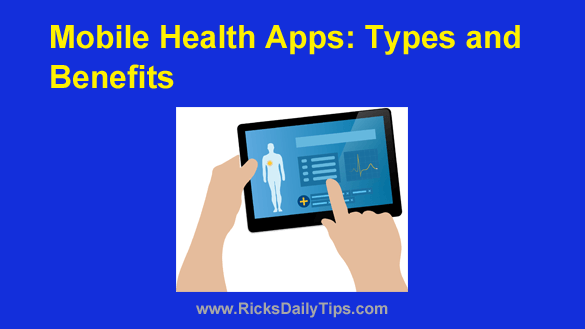
For their part, health care providers are doing their best to help customers meet their health needs by adopting the latest digital technology.
Medical app development is emerging as one of the promising trends in the healthcare market. And here’s why: [Read more…]