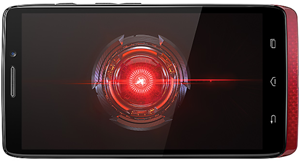
 Question from Adrianna: I bought my daughter a Droid Ultra for Christmas, and she has already downloaded so much stuff onto it that it’s become unstable, and at times completely unresponsive.
I tried uninstalling a bunch of the apps, but that didn’t help. Most of the ones that are still on there came pre-installed on the phone, and it won’t let me delete them.
I’d like to just reset the phone back to its factory settings, but she has already lost the instruction book. Can you tell me how to reset it?
Rick’s answer: I can understand your daughter’s excitement about getting a new phone Adrianna. She probably just got carried away with all the free apps that are available and went a little overboard with the downloads.
I agree that resetting her Droid Ultra back to the factory settings is probably the best course of action. Here’s how to do it:
1 – Tap the Apps  icon.
icon.
2 – Tap Settings.
3 – Tap Backup & reset.
4 – Tap Factory Data Reset.
5 – Tap Reset Phone.
That should take care of the problem Adrianna. I hope your daughter likes her new phone!
Do you have a tech question of your own for Rick? Click here and send it in!
Need expert computer help? Click here to read about the services that I provide.