 Want to make sure you never miss one of my tips?
Sign up for my daily Rick’s Tech Tips Newsletter!
Note: The links in this post are affiliate links.
Question from Lawrence: Hi, Rick. I’m hoping you can answer a question for me about hard drives.
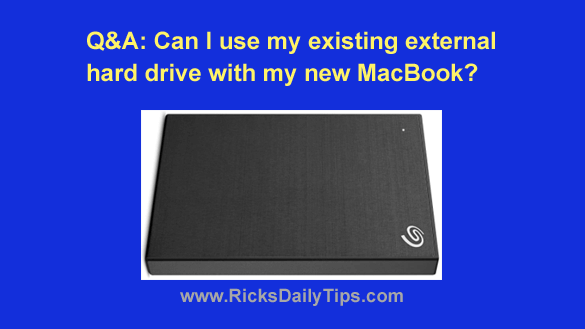
I have an older Seagate STHN2000400 2TB external hard drive that I used for several years to store photos and other files from my old MacBook. Well that MacBook finally died and I replaced it with this MacBook Pro.
The problem I’m having is the MacBook Pro won’t work with the Seagate drive because there’s no connector on the laptop that will accept the old-style USB plug on the drive cable.
If at all possible I’d like to keep using this drive with the new MacBook Pro because it contains thousands of photos that don’t exist anywhere else.
Is there any way I can use this drive with the new laptop? Maybe some kind of adapter?
Rick’s answer: I have some great news for you, Lawrence. The answer to your question is yes, you can definitely use your existing Seagate external drive with your new MacBook Pro.
And the best part is you won’t need to fiddle around with any type of adapter.
All you need to do is simply replace the USB cable that came with the external drive with a new one that has the right connector already in place.
Your Seagate STHN2000400 has what’s called a USB micro-B connector. All you need is a cable with a micro-USB connector on one end and a USB-C connector on the other end.
There are plenty of these cables available, but I happen to really like this one because it’s inexpensive, yet well-built and extremely reliable.
Get yourself one of those cables (or a different one if you prefer a name brand) and you should be all set.
By the way, many external hard drives have detachable cables similar to the one that came with your Seagate drive. That makes it easy to attach an older external drive to most any type of computer or mobile device simply by using the appropriate cable.
I hope this help, Lawrence. Good luck!
Update from Lawrence: That’s a big help, Rick! I ordered the cable you recommended and I’ll let you know how it goes after it gets here.