 Want to get my easy to follow Tech Tips in your email?
Sign up for my daily Rick’s Tech Tips Newsletter!
Note: The links in this post are affiliate links.
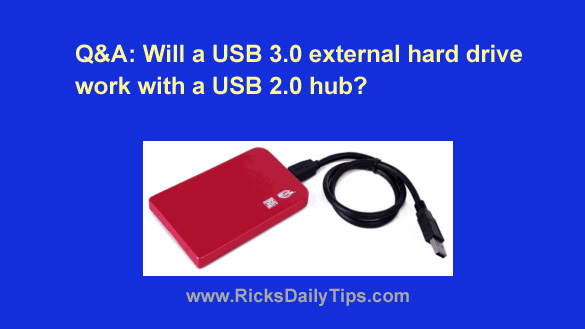
Question from Melissa: Hi, Rick. I just bought this 4TB external hard drive to back up the hard drive in my new laptop.
I really like this drive because it will store a LOT of photos (I’m a photographer).
Due to a dearth of USB ports, the external hard drive will have to connect to the computer through a USB hub.
My question is can I use the hub I already have or will I need to buy a new one?
The one I have is pretty old but it still works great. The thing is it’s a USB 2.0 model.
I’m afraid to plug either the computer or the hard drive into this hub until I hear from you because I don’t want to burn something up.
Rick’s answer: Melissa, USB 3.0 is “backward compatible” with USB 2.0 which means your new external drive and hub will connect and “talk” to one another just fine.
But that being said, there are a couple of huge caveats that you need to be aware of…
1 – If you decide to use your existing USB hub the external drive will operate at the slower USB 2.0 speed because the speed of every device that’s plugged into a USB hub is limited to the maximum speed supported by the hub.
Since USB 2.0 is a LOT slower than USB 3.0, your PC and external hard drive will transfer files back and forth at a relative snail’s pace.
2 – That older USB 2.0 hub likely won’t be able to supply enough current to adequately power the hard drive.
Bottom line: While there’s a very slim chance your old hub might be able to power your new hard drive, I strongly recommend that you get a new powered USB hub that will provide both the power and speed you’ll need for the hard drive to work at peak performance.
I hope this helps Melissa. Good luck!