 Want to get my easy to follow Tech Tips in your email?
Sign up for my daily Rick’s Tech Tips Newsletter!
Note: The links in this post are affiliate links.
Question from Ben: I know I need to replace my router with a new WiFI Mesh system.
I checked on Ebay and routers like the one I’ll be replacing are selling for around $60.
I’d like to sell the old router after I get the mesh system but I’m afraid a hacker might be able to steal my info from it.
What’s your opinion on selling used routers? Is it safe? If it is, are there any precautions I need to take before I put it up for sale?
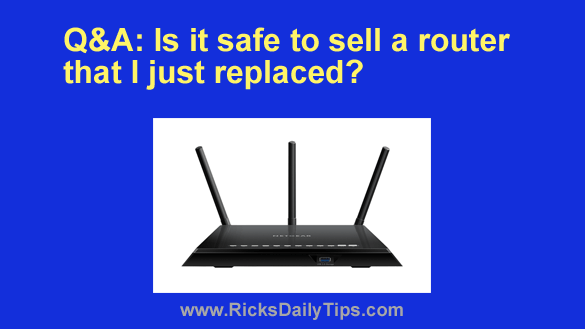
Rick’s answer: That’s a great question, Ben. And the answer is yes, it is safe to sell a used router, but I strongly recommend that you reset it back to its factory default settings first.
Truth be told, most consumer-grade routers don’t store all that much info that would be useful to a hacker, but it does store some. That’s why I strongly recommend that you perform a factory reset on your old router before you put it up for sale.
A factory reset will completely wipe out all the personal information (IP address, WiFi credentials, etc.) that’s currently stored in the router, thus making it completely safe to hand it off to a new owner.
You’ll find instructions for performing a factory reset on your router in its user manual.
If you don’t have the manual on hand you should be able to easily find it online by typing the router’s brand and model along with the words user manual into Google.
For example, let’s say your router is a NetGear AC1750. This is what you would type into Google:
NetGear AC1750 user manual
A search of that nature should provide you with a download link for the router’s user manual at (or near) the top of the search results. Just be sure you download the manual from the manufacturer’s official website because there are lots of malicious knock-off sites out there.
I hope this helps, Ben. Good luck!