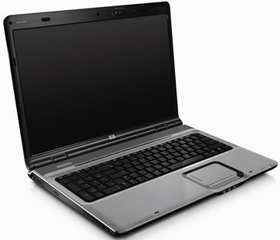
 Question from Sean W.: I have an HP laptop running Windows Vista. Now all of a sudden it won’t turn on. When I press the power button some of the LEDs light up then go right back out and the system is dead. Do you think my computer is fried? Or maybe the power adaptor?
Rick’s answer: Sean, I don’t think anything is “fried”. I believe a hard reset to the machine will probably get you back up and running. Try this:
1 – Unplug the power adaptor from both the wall outlet and the laptop.
2 – Turn the laptop over and remove the battery.
3 – Turn it back over, then press and hold the power button for a full 5 minutes (don’t cheat!).
4 – Re-insert the battery.
5 – Plug the power adaptor back into both the wall and the laptop.
6 – Press the power button and see if the laptop comes on.
Your laptop should boot up just fine now. If this doesn’t work contact me and we’ll try a different approach. Good luck!
Update from Sean: Thanks Rick! Worked like a charm!
Do you have a tech question of your own for Rick? Click here and send it in!