 I have been asked by several friends and acquaintances whether they should upgrade their Windows based PCs to Windows 8, and my answer has been, and continues to be, “NO”. Why? Well, there are several reasons:
1 – The learning curve.
While Windows 8 is very similar to Windows 7 under the hood, the Metro-style GUI user interface is quite different and it will definitely take some getting used to. In my opinion there was no valid reason for Microsoft to try to make desktop PCs and laptops look and act like tablets, but that’s exactly what they did. And while Windows 8 ships with a few minor improvements over Windows 7, there aren’t enough of them to justify having to learn a new user interface. [Read more…]
 When most people buy a new PC they take it home, open up the box, connect it to a power outlet and the Internet and get right to work putting it through its paces. And it’s easy to understand why. After all, who among us doesn’t enjoy playing with a new “toy”?
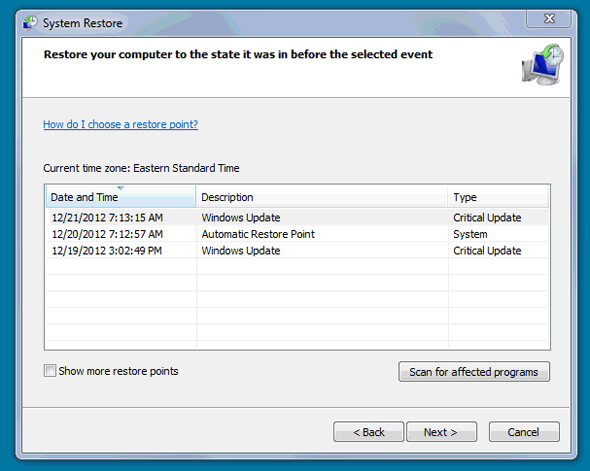
 1 – Click the “Show Desktop” icon located in the Quick Launch toolbar in the lower left corner of the screen. In the screenshot at right the “Show Desktop” icon is the first icon to the right of the “Start” orb. It might be in a different position on your screen. To restore the windows back onto the screen, simply click the icon again. Note: Windows 7 doesn’t display the Quick Launch toolbar by default so you’ll need to use option 2 below…
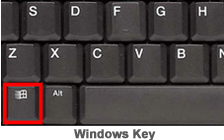 2 – Hold down the “Windows” key and press the “D” key. You’ll typically find the “Windows” key at the lower left corner of the keyboard between the “CTRL” and “ALT” keys. (Refer to the image at right.) Pressing Windows-D again will restore all the windows back onto the screen.