 Want to get my easy to follow Tech Tips in your email?
Sign up for my daily Rick’s Tech Tips Newsletter!
Note: The links in this post are affiliate links.
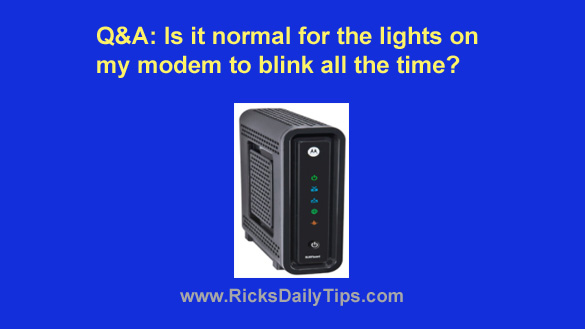
Question from Tina: I’ve noticed the lights on my modem are blinking more or less constantly.
In fact, they even blink when I’m not using a web browser, checking my email or doing anything else on the Internet.
Is it normal for all those lights to be constantly blinking or should I be worried?
Rick’s answer: Tina, there is always data being passed between your computer and the Internet any time you have a live connection established, so yes, it is normal to see the data lights on your modem flashing pretty much all the time.
Your ISP is responsible for much of the data being sent back and forth because they love to “check in” to see if your connection is healthy along with other mundane housekeeping tasks.
Also, your computer is also constantly being probed by botnets and hackers trying to find a security hole through which to gain access to your system.
I know that probably sounds pretty ominous, and if your computer is left unprotected it sure can be. But as long as you have a really good antivirus program installed you should be fine.
And finally, some apps and services love to “phone home” to check for available updates (and for other miscellaneous reasons), causing data to be transmitted back and forth through your modem at what appear to you to be random times.
Bottom line: Your modem is a busy device, even during the times when all of your connected gadgets are turned off. But as long as your system is protected by good security software, you don’t really need to worry about those flashing lights.
I hope this helps Tina. Good luck!