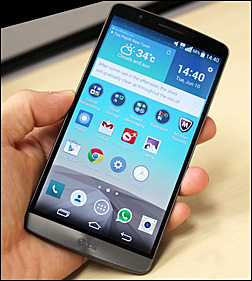
 Question from Amanda J.: Hello Rick. I ordered a brand new LG G3 Android phone off the Sprint website a few months ago, and I like it a lot.
The only problem I have with it is it keeps connecting to Wi-Fi all on its own, and it irritates the heck out of me.
I just found your website (which is awesome by the way) and I thought you might be able to tell me how to keep my phone from connecting to Wi-Fi until I want it to. I really hope so anyway.
Rick’s answer: Amanda, this is perfect timing because I just bought a G3 of my own a couple of weeks ago, and I absolutely love it too!
To answer your question, there’s a pre-installed app on your phone that’s causing it to automatically turn on the Wi-Fi radio and connect to an available network. It’s called Connections Optimizer. You can’t uninstall it, but you can easily disable it. Here’s how:
1 – Swipe up to unlock your phone, then tap the “Gear” shaped Settings icon. If the Settings icon isn’t on your home screen you can get to it by tapping the Apps icon.
2 – While on the Settings screen, scroll down and tap More.
3 – Tap Mobile networks.
4 – Tap Connections Optimizer.
5 – Uncheck the box in the top right-hand corner of the screen by tapping it.
6 – Tap the Home icon at the bottom of the screen to return to the home screen.
That’s all there is to it. The Connections Optimizer app should now be disabled and your phone should no longer automatically connect to Wi-Fi.
I hope this helps Amanda. Good luck!
Update from Amanda: Thanks Rick! I followed your instructions this morning and my phone hasn’t connected to Wi-Fi at all today. My fingers are crossed and I’m hoping for the best!
Do you have a tech question of your own for Rick? Click here and send it in!