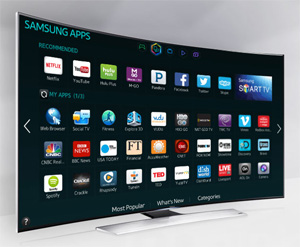
 You’ve probably heard by now that Samsung Smart TVs are capable of eavesdropping on the private conversations that take place in your home via their Voice Recognition circuitry.
There are conflicting opinions on just how big a deal this might turn out to be before all is said and done, but being a little on the paranoid side, I don’t much like the idea of my TV being able to spy on me.
If you own one of these TVs and feel the same way I do about the privacy thing, it’s easy enough to disable your Samsung Smart TV’s Voice Recognition feature. Here’s how:
Important: Disabling Voice Recognition will obviously disable all the features that use it to perform their respective functions. You might want to take that into consideration before making your final decision. If you decide to proceed, begin with step one below.
1 – Press the Menu button on the TV’s remote to display the Settings menu.
2 – Using the remote’s trackpad, scroll down and select the Smart Features entry.
3 – Scroll down to Voice Recognition and toggle the setting to Off.
That’s all there is to it. From now on your Samsung Smart TV won’t be able to “listen in” on your family’s conversations.