 Want to get my easy to follow Tech Tips in your email?
Sign up for my daily Rick’s Tech Tips Newsletter!
Note: The links in this post are affiliate links.
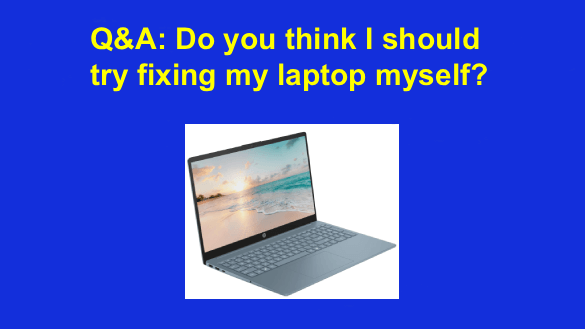
Question from Andrew: I have an HP laptop that I bought new just 3 months ago, and it already has a problem.
When I turn the laptop on I can smell a faint burning smell and see faint whiffs of smoke coming out of the keyboard.
The thing is it boots up normally and works fine and no part of the laptop seems to get hotter than it should (to the touch at least).
My question is do you think this might be something I can fix myself or do you recommend that I just go ahead and send it back?
I know if I send it in to be repaired I’ll be without the use of the laptop for days, if not weeks.
Rick’s answer: This is definitely a serious hardware issue, Andrew. And truth be told, I don’t believe it would be a good idea for you to try to fix it yourself, for several reasons:
1 – The laptop is obviously still covered by the manufacturer’s warranty, which of course means you can get the machine repaired, or possibly even replaced for free.
2 – Without knowing what’s going on inside the laptop you could easily end up making whatever the problem is even worse by attempting to crack open the case and troubleshoot the issue.
3 – Trying to troubleshoot and repair the machine yourself would void the warranty, resulting in you having to pay for the inevitable repairs (or replacement) out of your own pocket.
4 – The problem is most likely with some component on the laptop’s mainboard, which is proprietary. In the vast majority of cases you can’t just buy a new laptop mainboard at your local electronics store. You would have to order it from the manufacturer, which would both take a bit of time and cost a lot of money.
5 – I don’t know what your level of experience working with computer hardware is, but even if you were to be able to successfully diagnose the problem and somehow obtain a replacement part, would you be able to safely and successfully make the repair? Making repairs on most modern laptops requires the use of special tools and training that the average user simply doesn’t have.
Bottom line: I strongly recommend that you contact HP Customer Support and find out what you need to do to have the laptop repaired by an authorized repair center.
Truth be told, if you were to try to repair the machine yourself I’m afraid you would probably end up having to buy another new laptop.
I hope this helps, Andrew. Good luck!