 As a YouTuber, your profile picture serves as an identity and contributes to your channel’s content. Typically, followers can scroll through feeds and check out your profile – often new subscribers.
Having a catchy Instagram profile is not just about the bio description and content. The profile picture also creates an impression, and it is only ideal that you have the perfect shot up on your page.
Are you looking for the best YouTube profile picture maker tools to update your page? The list below highlights options that you can explore freely.
What are the Best Free Youtube PFP Maker Tools?
These six YouTube PFP maker tools work for personal and content creator profiles.
X-Design
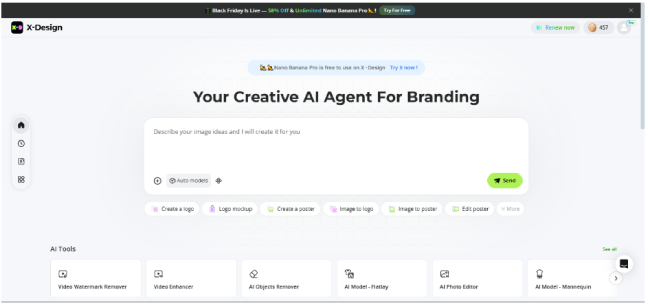
X-Design is one of the best YouTube logo creators to update your profile picture. Updating your profile with a photo may not require back-and-forth. However, the X-Design creative tool will save you time. You can create a quality YouTube PFP that stands out on your channel page; clearly visible and appealing to followers.
With an interactive interface, users can generate an image on the X-Design AI agent. The workspace requires no previous design experience. You only have to describe and adjust your image with prompts for an all-around result. From PFP icons to text, the YouTube PFP maker is flexible enough to create captivating headers. Simply put, it supports and brings logo ideas to life.
Need a PFP to brand your channel? The AI-powered suite provides striking images that are ideal for content creators. You can easily download your favorite picture from the variations provided after inputting the prompt for your PFP. Apart from that, X-Design enables you to edit your logos after creating them. Use its high-quality photo converter to improve the logo quality in a few click. If you think the logo image backgrounds are not suiting your products, X-Design lets you expand logo backgrounds effortlessly. This photo editor comes with many user-friendly online image editing features ranging from adding texts to changing the image backgrounds.
Fotor
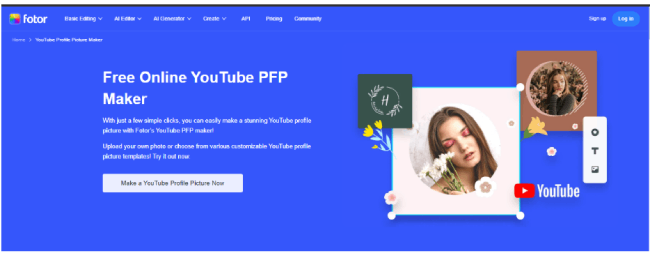
Aside from your thumbnail, profile pictures can attract your subscribers. Need a free tool to create a PFP? Fotor is one of the tools to find a catchy layout. And a unique picture that goes with the overall content on your page.
You can create a YouTube profile picture with a selfie or device images in a few seconds. Fotor brings out the best results with an instant polish that fixes your skin for a smooth feel. Plus, you can automatically remove the background for new colors and crop out the unnecessary parts to make the ideal size for your profile picture.
Fotor also features a built-in library of designs and templates that allows users to edit fonts and experiment with different layouts that suit their style. With easy-to-customize results, you can export stunning, high-quality images.
Canva
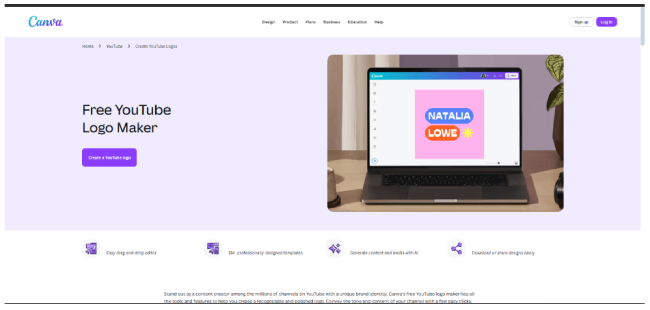
Canva offers a free picture maker feature besides its other AI tools. It is one of the best PFP makers to update your YouTube profile. The intuitive page for users makes it easy to create an on-brand profile picture. Even better, it comes with extra tweaks to elevate the overall outlook and pose.
In minutes, you can upload your preferred picture from your device and enhance it. Canva’s AI photo editor requires little to no design experience to make personal touches to uploaded images – whether stickers or frames. However, you can make do with the collection of customizable templates that practically fit your profile page dimensions.
The Canva Pro version offers users the flexibility to refine the picture with a background remover. It works for a varying range of creators and channels, including adults and kids.
PicsArt
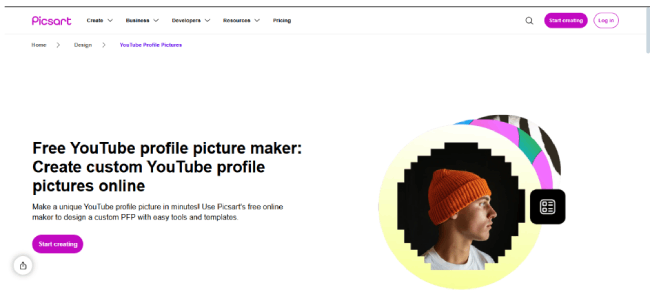
One of the best free profile picture makers for YouTube is PicsArt. The web software allows users to create custom images online. With zero design skills and a few steps, you can generate a unique picture in minutes. And update your YouTube channel with a catchy header.
Aside from the lesser design time, one of the offerings of the PicsArt tool is the user interface. You can easily navigate the intuitive page and create with only a few clicks. Their ready templates, designed by professionals, simplify the PFP creation process. Simply pick a choice to create art and make it a style.
PicsArt supports image customization with a large library of visuals. You can tweak the text and image details, add modern fonts, and resize the preview. The PFP maker also provides users with high-resolution downloads in different formats, including JPG and PNGs.
Kapwing
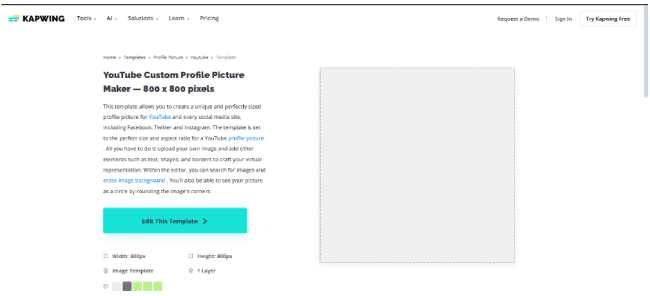
Are you looking for free YouTube PFP templates with the right pixel dimensions? Kapwing PFP is a go-to option. With a few prompts, the online editor creates a professional picture. You do not need to worry about unclear choices; you can select a preference from the available options. And portray your personalised identity.
The Kapwing templates are sized to the recommended pixel dimensions, making it easier to update your profile as a new user. Their layout sizes up to the rounded header, and you can insert the necessary elements. With the web tool, you can upload and customize an image on your device. It is also useful for additional edits, including text and graphics. You can preview the result before clicking download.
If you are a creator looking to create a professional circular picture, Kapwing is ideal. The online tool offers an on-trend visual you can use for your profile.
Adobe Express
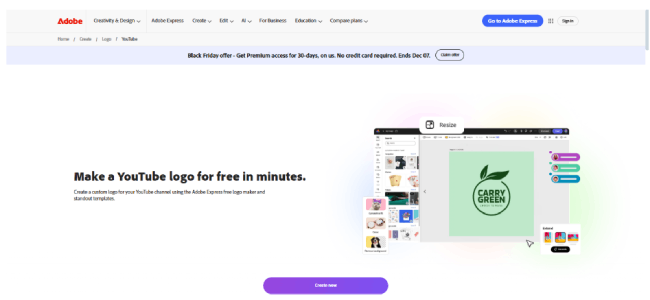
Adobe Express is one of the best YouTube Profile picture makers you can try out. If you are a content creator, the online suite provides tools to create a PFP that suits your channel identity. And a catchy header for followers who look up your profile.
The software offers a free trial for profile picture projects. The flexible options of stunning templates and a creator for original designs balance the creativity. You can search through professionally designed templates for inspiration and a heads-up. The standout copies come in various elements that you can personalize with images and texts.
The AI tool also allows users to customize and spice up device images. If you are skilled in design, you can create a YouTube-oriented profile picture that captures the essence of your channel. Alternatively, you can upload your existing photo and remove the old background for a new one.