 Want to get my easy to follow Tech Tips in your email?
Sign up for my daily Rick’s Tech Tips Newsletter!
Note: The links in this post are affiliate links.
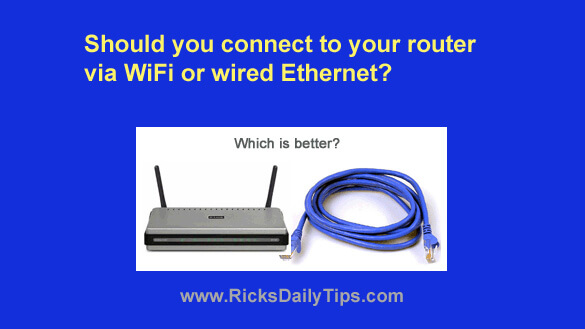
A friend asked me the other day whether he should connect his computer to his router via WiFi or over a wired Ethernet connection.
My answer was…it depends.
First of all, is the computer in question sitting near the router or is it located in another room in the house?
If it’s possible (and practical) to run a cable between the two locations, a wired connection between your computer and router offers a number of benefits.
In most cases a wired Ethernet connection will likely be faster and more stable than a WiFi connection, but that isn’t a hard and fast rule. It all depends on the data transfer speeds supported by your computer’s wired Ethernet port and your router compared to the actual average speed of your device’s WiFi connection.
In almost all cases I would go with a wired connection between the computer and router if running the cable is practical, even if the WiFi speed is slightly faster.
Why? Because WiFi signals fluctuate and even go out entirely at times. Wired connections are typically rock solid virtually all the time.
If the computer is far way from the router or if running an Ethernet cable will be problematic, then you should opt for WiFi.
For the sake of convenience, it’s probably best just to use WiFi to connect a laptop that you move around a lot, even when you’re using it near the router. But if the only place you ever use your laptop is in one location that’s near the router then go ahead and use an Ethernet cable.
Bottom line: Whenever possible and practical to do so, I believe it’s best to use a wired Ethernet connection. Otherwise, go with WiFi.
Bonus tip: If you frequently use your computer or mobile devices in a distant room that has a weak WiFi signal you have a couple of options:
1 – Create a wired Ethernet connection by using a powerline Ethernet adapter.
2 – Upgrade your router to a mesh WiFi system.